
EcoSave Home Solutions Print guide

THE ECOSAVE HOMEOWNER SERIES

Comfort,
made simple.

Your Midea mini-split, made simple. Find your perfect setting, keep every room comfortable, and know what to do when something feels off.

ONE SYSTEM. SAME MODE.
Your comfort, room by room.

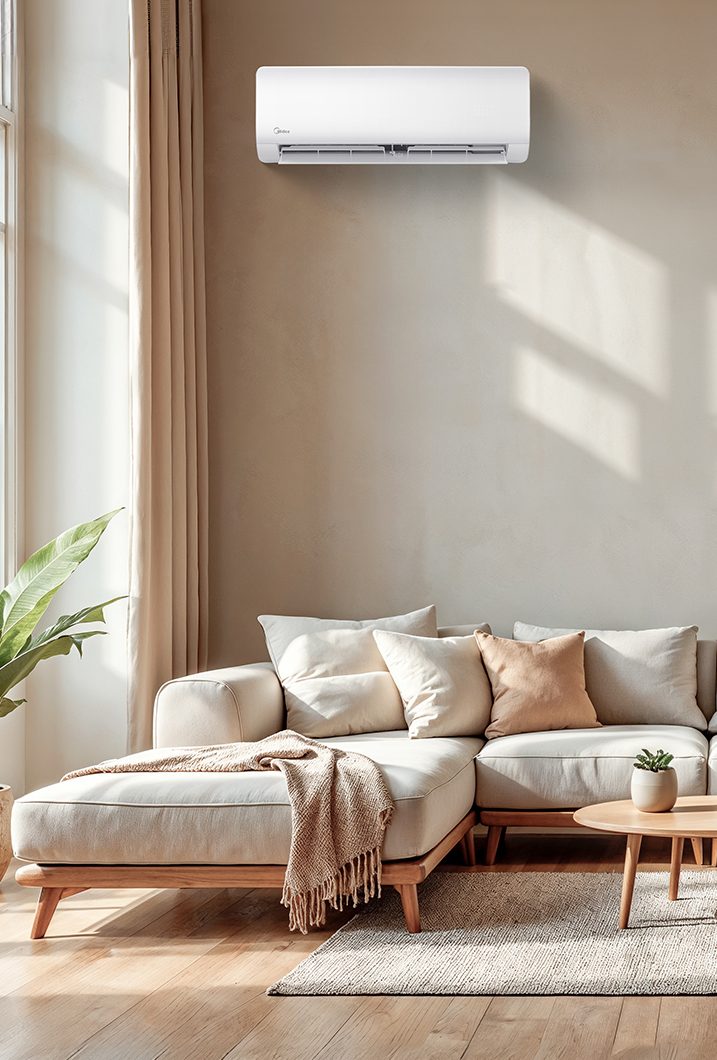
Midea wall-mounted mini-split above a sofa in a sunlit living room
Midea equipment shown for illustration. Your model may differ.
Comfort starts with the right mode.

01 / GET COMFORTABLE

Your first four moves.

No complicated setup. Just the essentials for everyday use.

  1. 01

    Power on.

    Point your remote at the indoor unit. Press the power button. Use the controller assigned to that room.

  2. 02

    Choose your mode.

    Press MODE for HEAT ☀ or COOL ❄. Match the mode on the other rooms sharing that outdoor unit.

  3. 03

    Set your comfort.

    Use ▲ / ▼ to choose a temperature. AUTO fan speed is an option; it is different from AUTO operating mode.

  4. 04

    Let it settle.

    Give the system time. A restart can take at least 3 minutes; heating warm-up or defrost may take longer.

Buttons, symbols and features vary by model. Follow your installed unit’s manual if its instructions differ.

02 / THE GOLDEN RULE

Same system.
Same mode.
Different temperatures? Absolutely.

Indoor units connected to one outdoor unit work together. Choose heating or cooling for the whole group, then give each room its own temperature.

Don’t mix HEAT and COOL.

A mode conflict can put a room on standby. Avoid AUTO operating mode on a shared multi-zone system.

Separate outdoor systems can operate independently. Ask your installer which rooms share a system.

EXPLORE AN EXAMPLE
LIVING ROOM70°☀ HEAT
BEDROOM68°☀ HEAT
OFFICE72°☀ HEAT
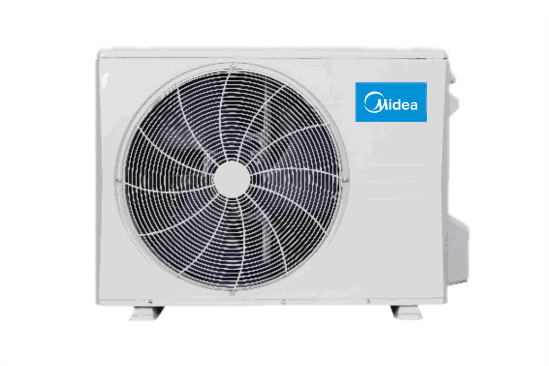
Example Midea outdoor unit shared by the three rooms
ONE OUTDOOR UNITEveryone is in HEAT.

One shared mode. Three comfort settings.

Illustrative temperatures in °F, not required settings. This example does not control your equipment.

03 / MEET YOUR REMOTE

Five buttons. Everyday comfort.

Tap a control to see what it does. Your remote or wall controller may look different.

HEAT72°FFAN AUTO
COMFORT, SIMPLIFIED.

Illustrated layout · Learning tool only

THE ESSENTIALS

Power: start with a clear signal.

Point the remote toward the indoor unit, with nothing blocking the signal. Press the power button. If the unit doesn’t respond, check the remote’s batteries and its display.

The two AUTO settings are different.

AUTO mode chooses heating or cooling and can conflict with other rooms. AUTO fan adjusts fan speed while your chosen HEAT or COOL mode stays in place.

What about DRY, FAN, timers and Wi-Fi?

DRY removes moisture and may cool the room. FAN circulates air without heating or cooling. Neither is a workaround for a shared-system mode conflict.

Timers, SLEEP, ECO, Follow Me/ComfortSense and Wi-Fi vary by model. If the unit starts or stops unexpectedly, check for an active timer. Use the correct model manual for optional features and app setup.

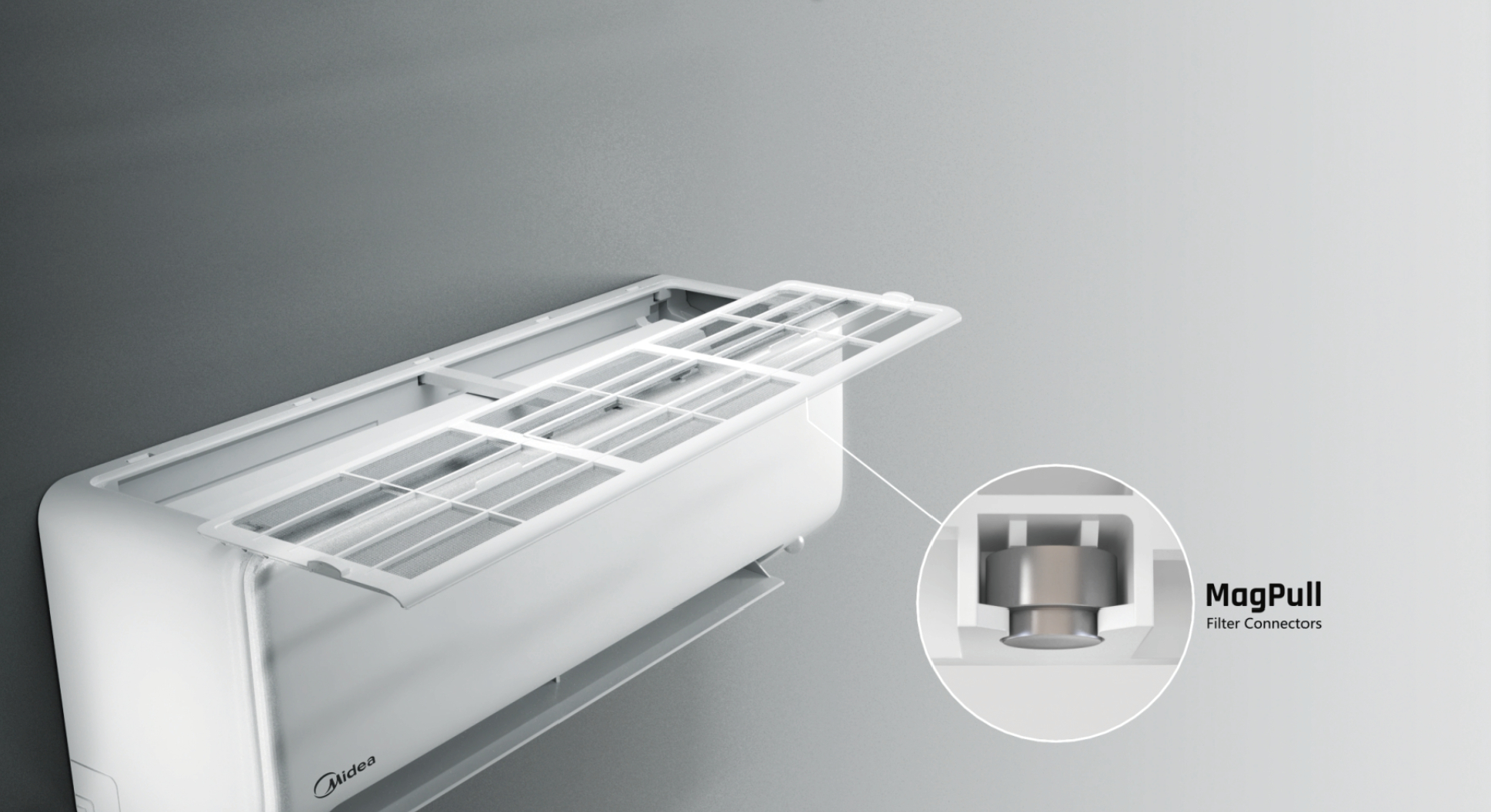
Midea wall unit with its removable top-mounted filter shown
Example: All Easy Pro filter access. Other wall units and ceiling cassettes open differently.

04 / SMALL HABITS, BETTER COMFORT

Give your system
a little breathing room.

01

Check filters every two weeks.

Check more often with pets or dust. Clean only user-serviceable filters using your model’s instructions.

02

Clean safely. Dry completely.

Switch off and disconnect power as your manual directs. Wash only washable mesh filters; rinse and air-dry in shade before reinstalling. Specialty filters may need different care. Keep water away from electrical parts.

03

Keep the air moving.

Keep furniture and curtains away from indoor airflow. Keep leaves and snow clear of the outdoor unit, respecting the clearances your installer specified. Don’t chip ice from the coil.

Find your model’s instructions ↗

05 / WHEN SOMETHING FEELS OFF

A calm place to start.

Pick what you notice. These are safe first checks, not a diagnosis.

CHECK THE BASICS

Start with the remote and a little time.

  1. Check the remote display and batteries. Point it directly at the indoor unit.
  2. Confirm the unit is on and no timer is keeping it off.
  3. After a restart, wait at least 3 minutes for compressor protection. Heating can need longer.
  4. If it still won’t respond, contact your installer or service provider.

Do not open electrical covers or repeatedly reset a breaker.

These signs need service.

Burning smell, loud abnormal noise, repeated breaker trips, or water leaking indoors? Turn the unit off and contact your service provider. Don’t attempt internal repairs.

Make a service call easier.

Have the model number, a photo of any display code, the rooms affected, and the modes showing on their controllers ready. Use the service contact on your EcoSave installation paperwork.

KEEP COMFORT CLOSE

On your phone.
On your fridge.
Always handy.

Save this guide to your phone, print a copy for home, or keep the QR card beside your remote.

US Letter · Print at actual size · Guide: double-sided, flip on long edge

QR code linking to this EcoSave Midea homeowner guideScan. Set. Settle in.

Open your camera and point it here.
No sign-in needed.

Save QR image ↓
About this guide & official Midea resources

Prepared by EcoSave Home Solutions for everyday homeowner use. This guide focuses on typical Midea residential mini-split heat pumps, especially shared multi-zone systems. Features, controls, filter access, code meanings and operating limits depend on your installed model. The equipment photos are representative manufacturer imagery, not photographs of your installation.

Edition 01 · October 2026 · English. Midea is the equipment brand; this homeowner guide is provided by EcoSave.